How to Download Neverness to Everness (NTE)? Install Guide for PC, Mobile & PS5
Neverness to Everness (NTE) download guide — official download links and installation tips for iOS, Android, PC, and PlayStation 5.
Published: 2026/05/20
Quick answer: Neverness to Everness (NTE) supports 4 major platforms: PC (Windows), iOS, Android, and PlayStation 5. The same account can continue playing across PC, mobile, and PS5. Below is a rundown of the official download method for each platform and what to keep in mind before installing.
Ready to start playing Neverness to Everness (NTE)? This article covers the official download method for each platform and what to keep in mind before installing.
Supported Platforms
NTE is a multi-platform game, currently supported on:
- PC (Windows)
- iOS (iPhone / iPad)
- Android (phones / tablets)
- PlayStation 5
How to Download on Each Platform
PC (Windows)
Head to the NTE official website and click download to get the PC installer. After installing and launching, the game will automatically download its resource files, so make sure to leave enough hard drive space free.
iOS (iPhone / iPad)
Search for “Neverness to Everness” on the App Store, or go straight to the App Store download page.
Android
Search for “Neverness to Everness” on Google Play, or go straight to the Google Play download page.
PlayStation 5
Search for “Neverness to Everness” on the PlayStation Store on your PS5 console, or visit the PlayStation Store page.
A Few Reminders Before Downloading
- Leave space and time — the resource files for an open-world game are quite large, so for the first download we recommend connecting to Wi-Fi and leaving plenty of storage space free.
- Multi-platform play — NTE supports several platforms, and you can generally use the same account to continue playing across different devices (refer to the official information for the exact cross-platform details).
- Stick to official sources — only download from the official stores or official website listed above, and avoid installers of unknown origin.
Downloaded — What’s Next?
- What to do when you start — see the beginner’s guide
- Confused by the game’s terminology — see the beginner’s glossary
- Don’t forget to grab free resources on the redemption codes page
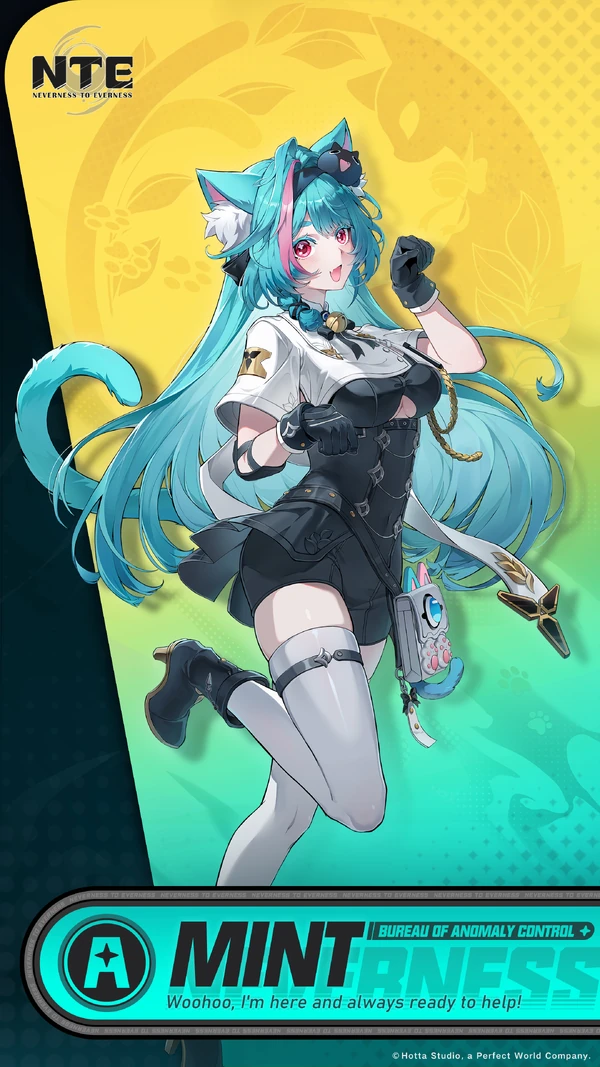
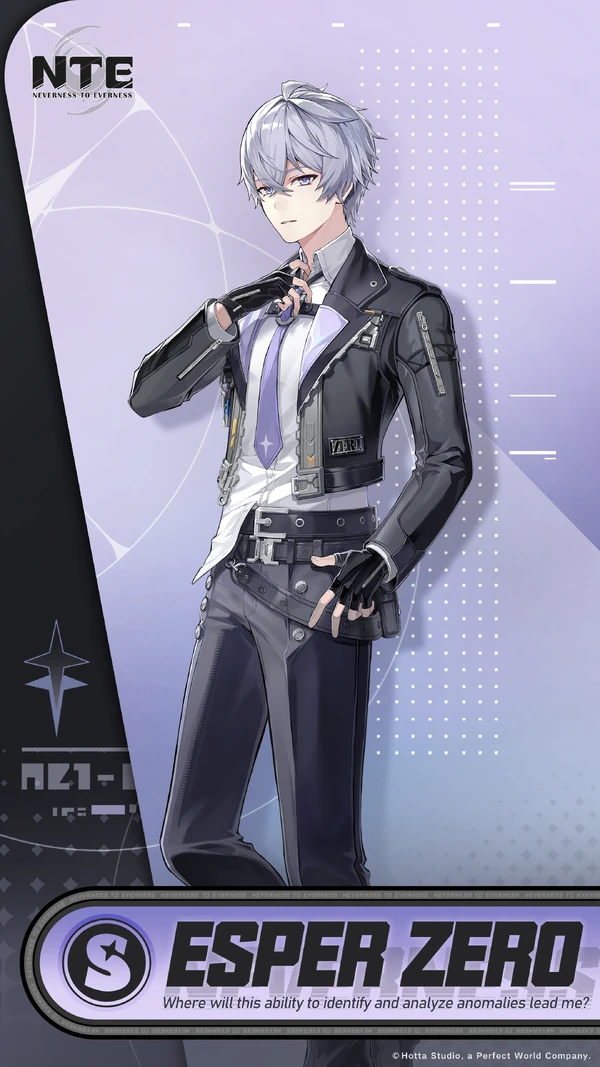
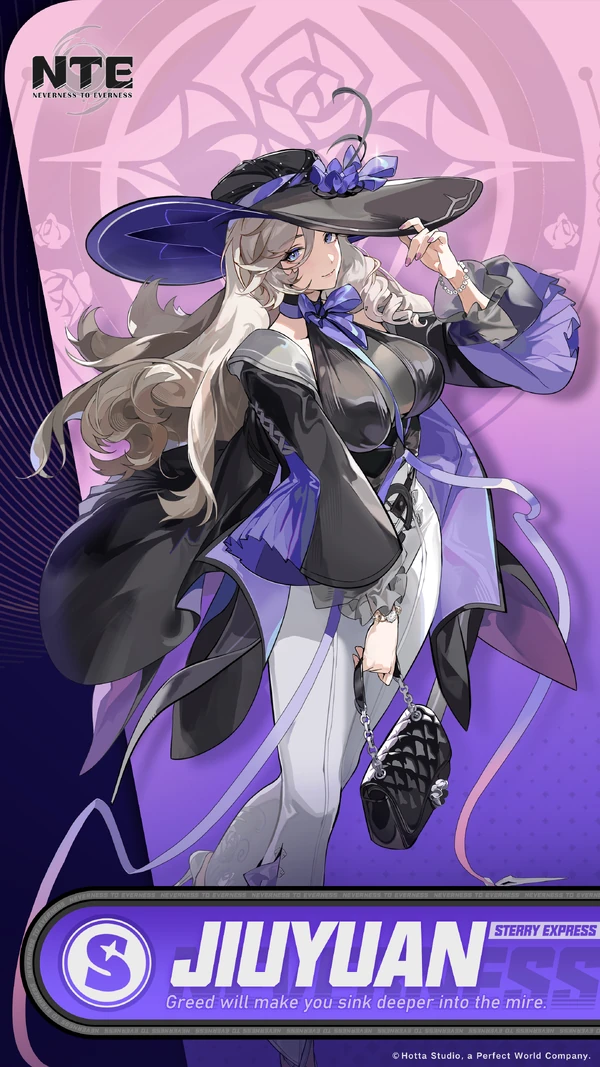
Once you’ve finished downloading, here are the core characters you can get for free at launch:



Platform support and download links may change as the developers make adjustments; for the latest information, always refer to the official NTE announcements.
Frequently Asked Questions
Which platforms does Neverness to Everness support? +
Neverness to Everness (NTE) supports 4 major platforms: PC (Windows), iOS, Android, and PlayStation 5. The same account can continue playing across different devices.
Can NTE play cross-platform between PS5, mobile, and PC? +
Yes. You can generally use the same account to continue playing across PC, mobile, and PS5; for the exact cross-platform details, refer to the official information.
Where can I download NTE? Are there official links? +
For the PC version, download it from the official website; on mobile, search for "Neverness to Everness" on the App Store or Google Play; on PS5, search for "Neverness to Everness" on the PlayStation Store. Only download from official sources and avoid installers of unknown origin.
How much space does NTE need to download? +
NTE is an open-world game, so its resource files are quite large, and the latest version resources are downloaded on first launch. We recommend connecting to Wi-Fi and leaving plenty of storage space free; the exact file size is shown in each platform store and in-game. For detailed specs per platform, see the system requirements overview.
Was this page helpful?
Related articles
NTE Controller Settings: PC / PS5 Key Mapping, Adaptive Triggers & Best Setup
Does Neverness to Everness Have Multiplayer? 4-Player Co-op, Cross-Platform Teaming & World Boss Battles Explained